If you need to generate branded QR code Shrno for a menu, package, or campaign, the process is simple and useful. The real work is in making the code scan fast, match your brand, and stay easy to maintain.
This guide shows how to build a clean QR code in Shrno, style it for real-world use, and avoid the mistakes that break scans. For a broader foundation, see The Ultimate Guide to QR Codes: From Basics to Branded Solutions and Static vs Dynamic QR Codes: Which Should You Choose?.
Introduction to Shrno’s QR Code Generator
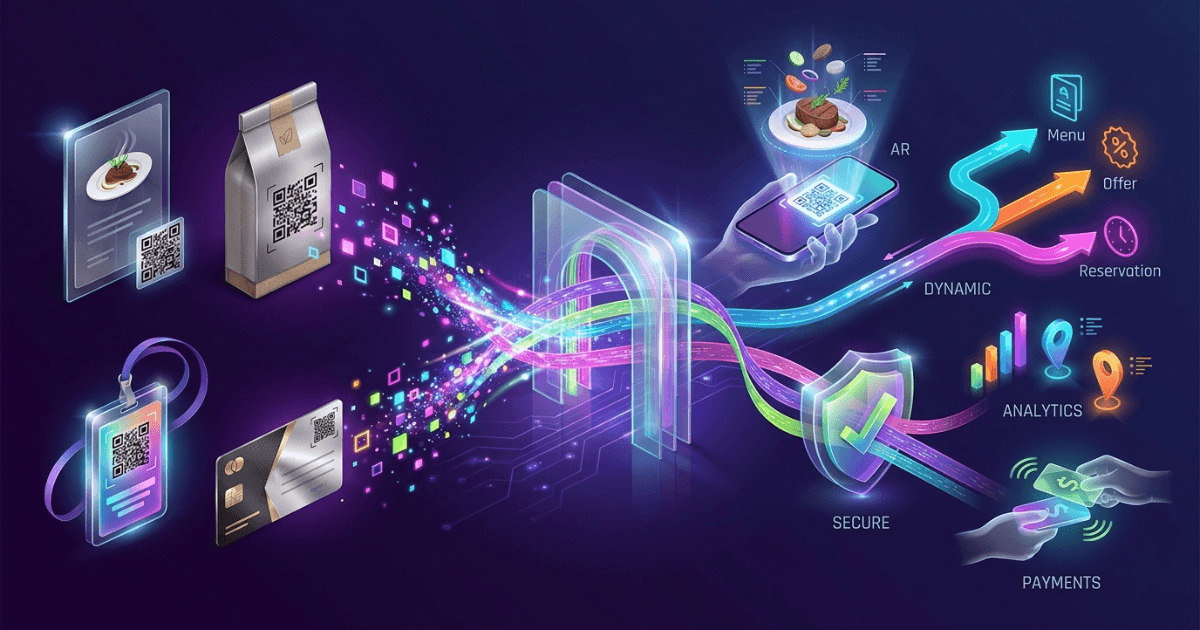
Shrno is useful when you want one QR code that does more than open a link. It can support branded use cases, change after print, and help teams keep campaigns tidy. That matters for cafés, agencies, shipping labels, and retail packaging.
If you already use Shrno for branded links, QR codes fit naturally into the same workflow. You can also pair this with Tracking Every Scan: QR Code Tracking and Analytics for Measurable Success when you need scan data, not just a code.
Step-by-Step Guide to Create a QR Code
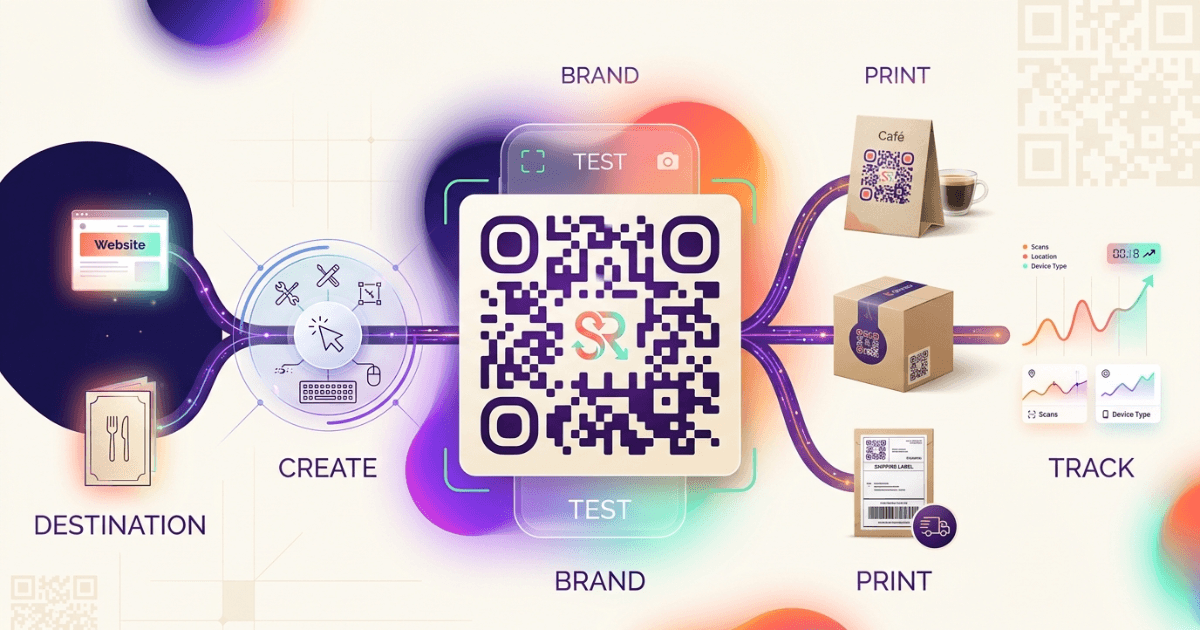
First, choose the destination. Use a menu page, product page, campaign page, or tracking link. The QR Code standard explains why a clear payload and clean print area matter for scan reliability.
- Open the Shrno QR code tool and start a new code.
- Paste the destination URL or branded link.
- Choose whether the code should stay fixed or be managed as a dynamic destination.
- Test the scan on at least two phones before you print.
- Download the final asset in a print-safe format.
Keep the first test boring. A code that scans in bright light and low light is better than one that looks dramatic but fails at the table. In cafés, that often means testing on matte table tents, laminated menus, and small receipt slips.
Customizing Your Generate Branded QR Code Shrno
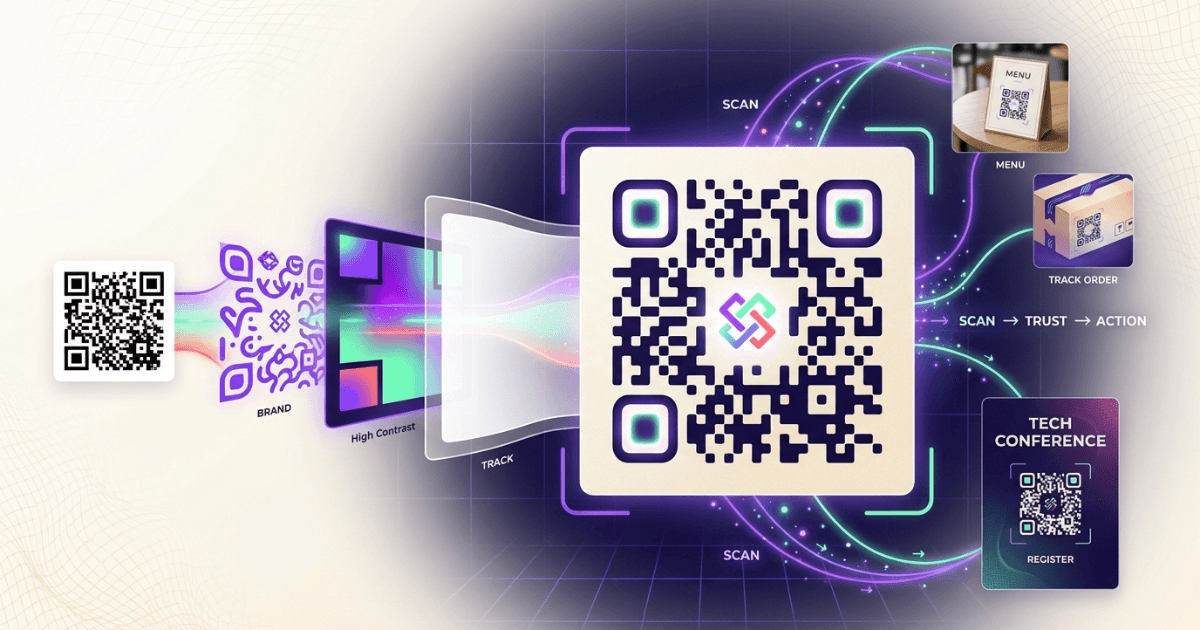
The strongest branded QR codes are simple. Use one brand color, a clear center mark, and enough contrast around the edges. Avoid busy backgrounds, thin lines, or deep gradients that weaken scan speed.
For agencies, the best use is visual consistency across campaigns. For restaurants, it is speed at the point of order. For packaging, it is print durability. For logistics, it is a code that still scans after dust, bends, and handling.
Branding should support the scan, not compete with it.— Practical QR design rule
If you need a broader link strategy, How to Set Up Branded Links with Shrno: A Practical Guide for Teams is a useful companion. For teams comparing tools, Comparing URL Shortening Tools: Shrno vs Competitors gives a wider context.
Best Practices for Using Shrno’s Features
Use the same naming pattern for each campaign. That helps when you review scans later. It also reduces errors when several people manage the same account.
The Google QR code documentation is a good reminder that size and quiet space matter. Leave enough blank space around the code, and do not shrink it below the distance users need to scan.
- Use high contrast between foreground and background.
- Keep the code away from folds, seams, and curved surfaces.
- Add a short call to action near the code.
- Use dynamic links when the destination may change.
- Store source files so your team can re-export later.
- Check analytics after launch to spot weak placements.
If you want to connect QR campaigns to click data, Understanding Click Analytics with Shrno: A Practical Guide for Marketers is a helpful next read.
Common Issues and How to Solve Them
Most scan failures come from three causes: poor contrast, a damaged print, or a code that is too small. Fix the print first, then test the destination, then test the placement.
If the code scans in one app but not another, check the error correction level and the amount of empty space around it. If the link opens slowly, shorten the redirect chain. If scans drop after packaging goes live, move the code away from edges and bends.
A concrete field test helps. In one packaging rollout, a 22 mm code on glossy wrap scanned well under studio light but failed on shelf. The fix was a larger matte label with more quiet space. That kind of change is small, but it saves a campaign.
Examples of Branded QR Codes Created with Shrno
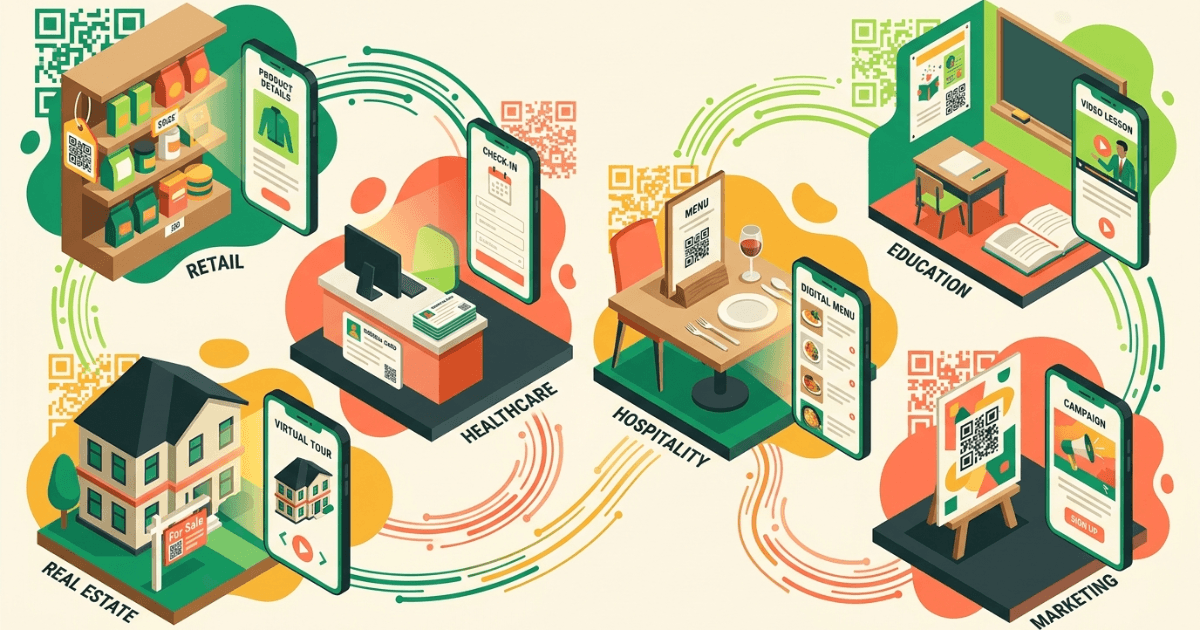
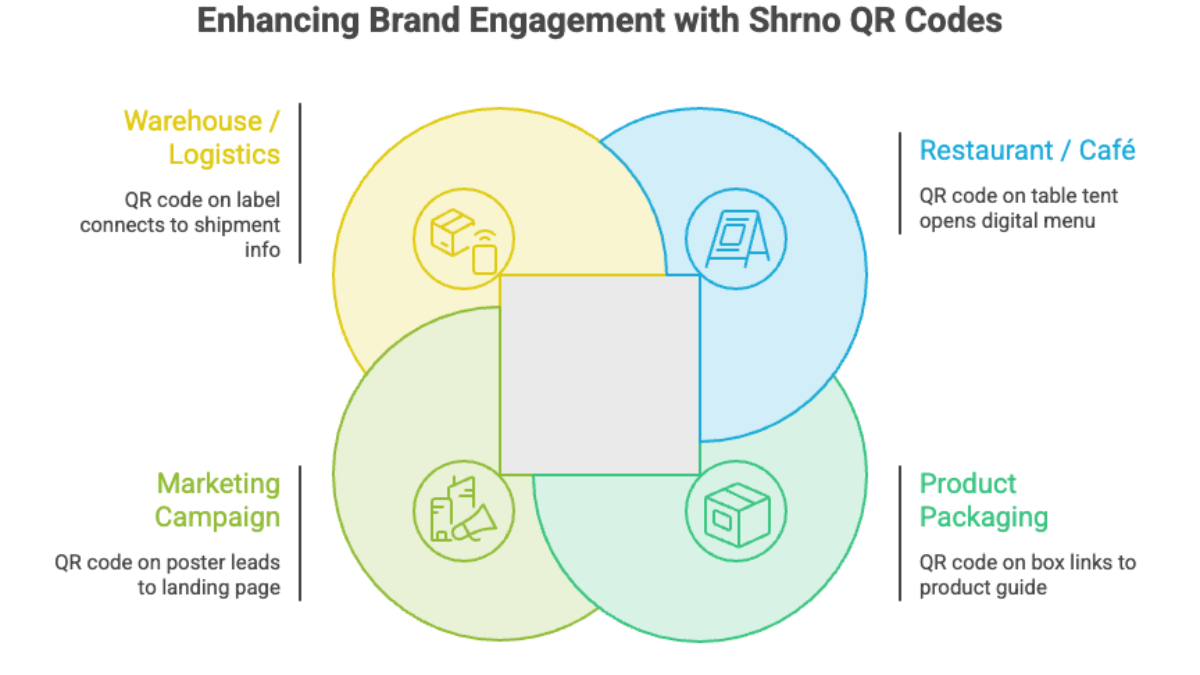
A café can place a branded QR code on a table tent and send guests to a daily menu. A marketing agency can use one on event handouts and track sign-ups. A warehouse team can use one on a bin label and point staff to a live SOP page.
For packaging, the best example is a product box that links to a setup guide or loyalty offer. For supply chain use, a code on a pallet label can point to shipment details, inspection notes, or receiving instructions. In each case, the design stays clean and the destination stays flexible.
If you want the bigger context behind these use cases, the When and Why to Use Shortened URLs in Modern Marketing post helps explain where QR codes fit into broader campaigns.
FAQ
Frequently Asked Questions