QR code applications by industry work best when they solve a real task fast. In the right place, a QR code can cut steps, reduce wait times, and guide action.
That is why marketing teams, cafes, restaurants, and logistics teams keep using them. The strongest use cases are simple, visible, and easy to measure.
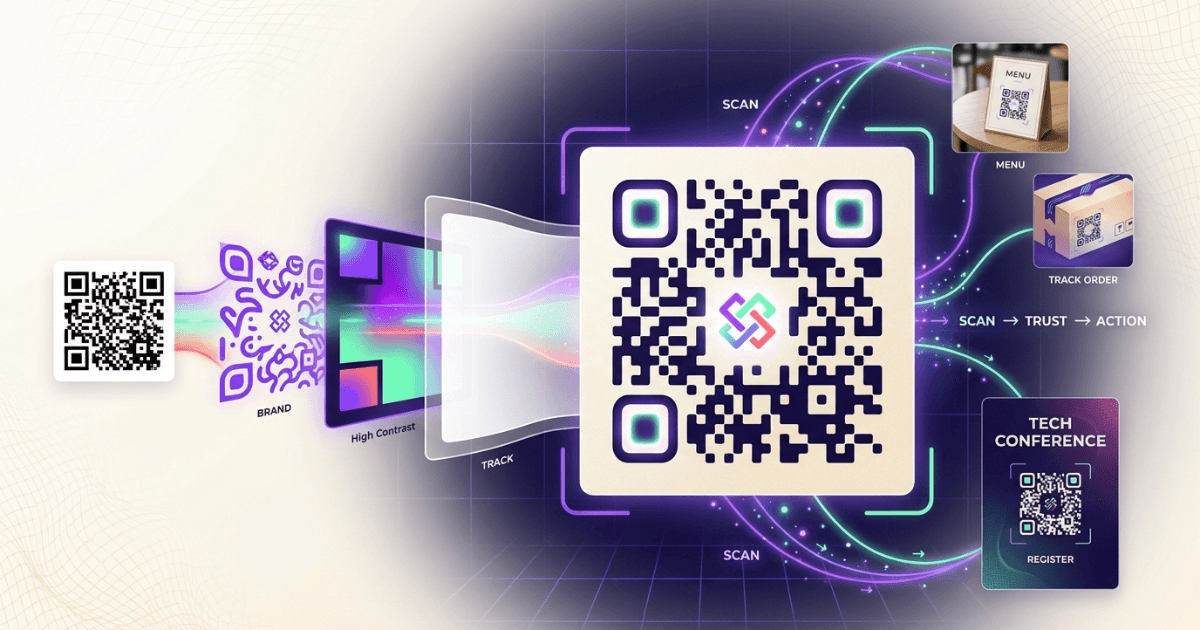
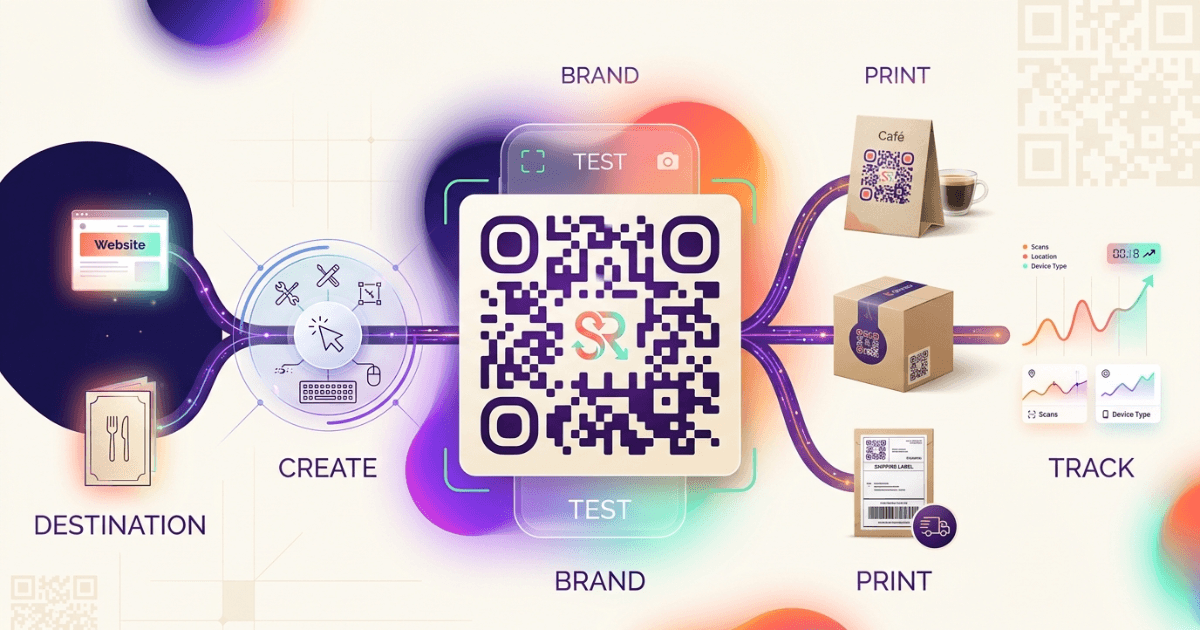
For campaign teams, the playbook starts with a clean scan path. If you are deciding between static and trackable codes, Static vs Dynamic QR Codes: Which Should You Choose? is the best first read. For a broader setup view, The Ultimate Guide to QR Codes: From Basics to Branded Solutions covers branding and placement. If your team cares about scan data, Tracking Every Scan: QR Code Tracking and Analytics for Measurable Success shows how to tie scans to results.
Why QR code applications by industry keep growing
QR codes have one clear advantage: they move people from interest to action in one scan. The ISO/IEC 18004 standard defines the QR code format, which gives it broad device support and predictable reading behavior.
Apple’s Camera app and Android devices now read QR codes natively, so users do not need a separate app in most cases. That lowers friction and makes the scan feel almost instant, which is why QR codes fit both customer-facing and back-office work.
- They reduce manual typing.
- They connect print to digital pages.
- They support menu changes, forms, and files.
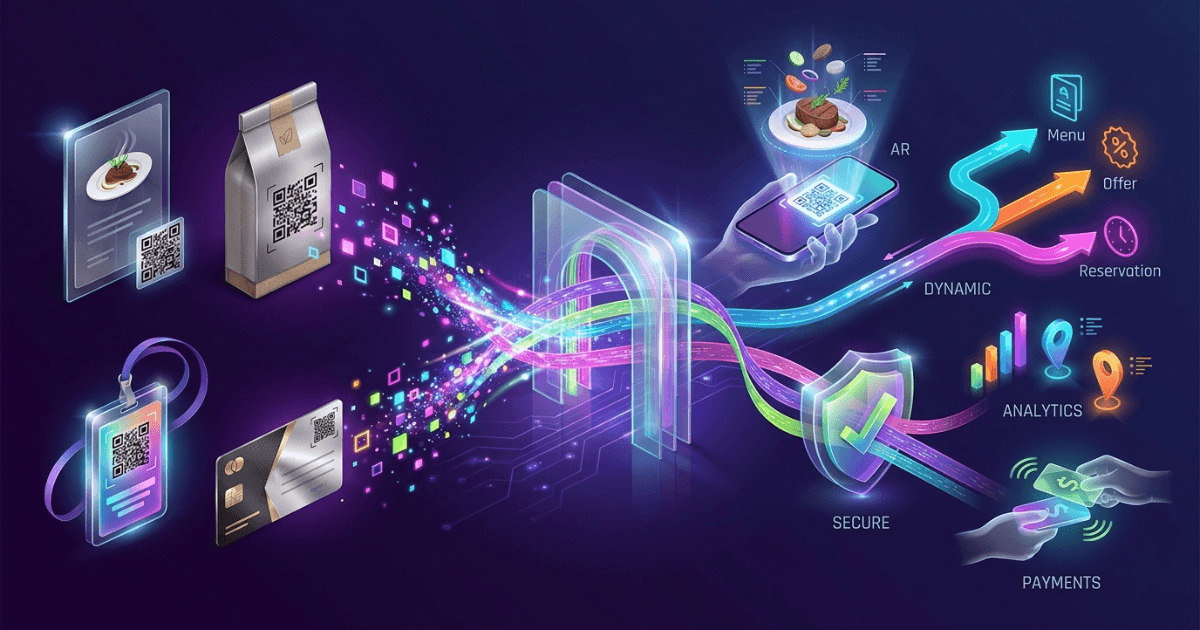
- They can be tracked when paired with dynamic links.
- They work in tight spaces like table tents and labels.
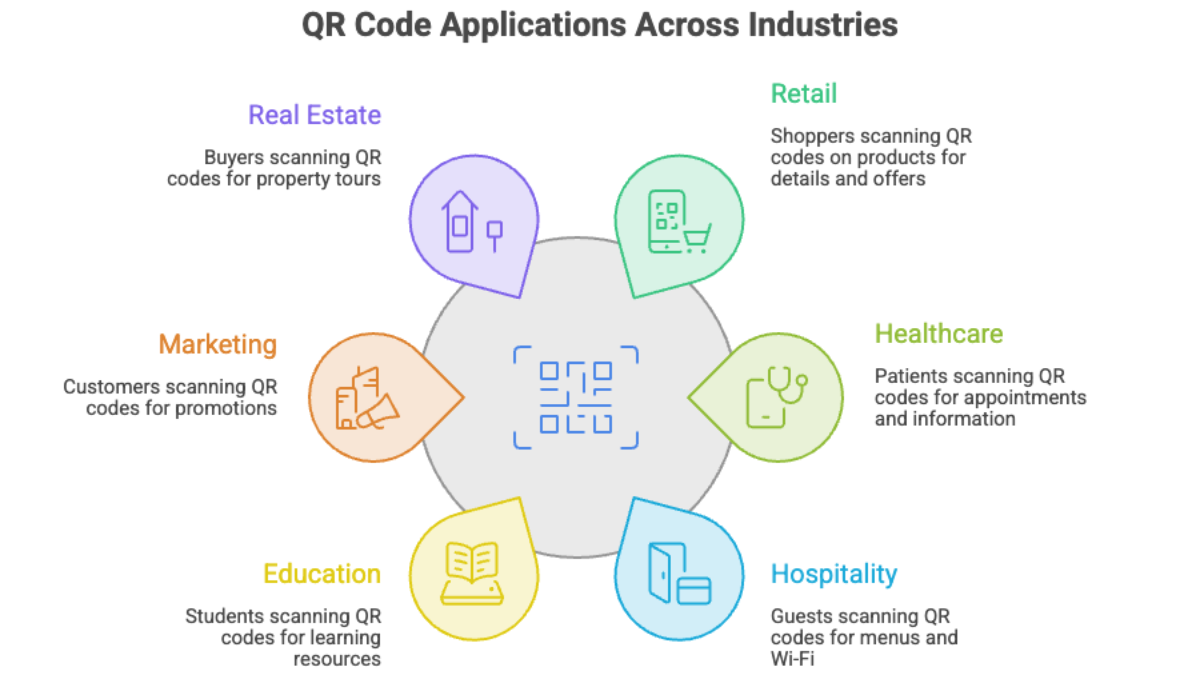
Retail: Enhancing the shopping experience
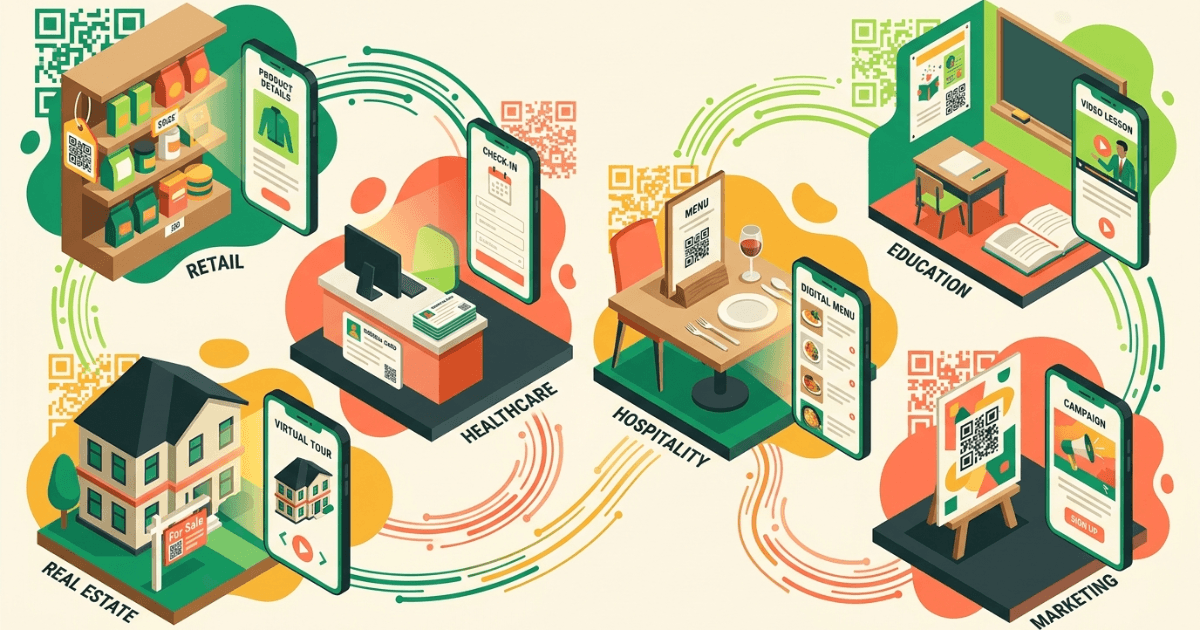
Retail uses QR codes to turn shelf space into a live sales channel. A code on a tag can open product details, sizing help, or stock updates without sending shoppers to a staff desk.
This is useful for cafes and restaurants too. A table code can open a menu, show allergen notes, or start an order flow. For teams building that system, Shrno can help create shorter, branded scan links behind the code.
A strong retail setup also supports follow-up. You can place QR codes on receipts, bags, and signage, then learn which placement drives the most scans and sales.
Healthcare: Streamlining patient services
Healthcare teams use QR codes to cut paperwork and guide patients through clear steps. A code can open check-in forms, appointment details, or post-visit instructions.
The U.S. Centers for Disease Control and Prevention notes that QR codes can support public health communication when people need fast access to updated information, which fits clinical handouts and waiting-room signs. In practice, the best use is short and task-focused: scan, confirm, act.
For clinics, that can mean one code for intake, one for payments, and one for care instructions. This keeps the front desk calmer and reduces repeated questions.
Hospitality: Elevating guest engagement
Hospitality depends on speed and clarity. QR code applications by industry are strong here because guests want menus, Wi-Fi details, room guides, and offers without waiting.
Hotels can place codes on key cards, desks, and in-room cards. Restaurants can use them for menu updates and event promos. The same code can also point to a multilingual landing page, which helps travelers move faster.
If your team wants guest scans to produce measurable leads, connect the code to tracked links and promo pages. That makes each scan useful for both service and revenue.
Education: Interactive learning opportunities
Schools and training teams use QR codes to bridge the gap between class materials and digital content. A poster can link to a worksheet, video, quiz, or reading list.
This keeps learning active. It also helps teachers swap resources quickly without reprinting every handout. A single classroom code can send students to the latest file version.
Education teams also use QR codes for attendance, event sign-ups, and library checkouts. That makes the code useful across both teaching and admin work.
Marketing: Innovative campaigns that get scanned
Marketing agencies use QR codes because they connect offline attention to online action. A poster, flyer, booth, or package can send people to a landing page in seconds.
The strongest campaigns make the next step obvious. Tell people what they get after the scan, such as a demo, coupon, menu, or booking page. Do not make them guess.
For teams that want better click data after the scan, Tracking Every Scan: QR Code Tracking and Analytics for Measurable Success is useful. It helps you connect placement, timing, and conversion.
Real estate: Virtual property tours that save time
Real estate is one of the cleanest fits for QR codes. A sign in the yard or window can open a virtual tour, floor plan, or listing sheet right away.
That helps buyers qualify themselves before a showing. It also helps agents keep listings current, since the linked page can be updated without changing the sign.
If you want a branded destination page, pair the code with a custom short link. That keeps the scan path neat and the listing easier to trust.
How to choose the right QR code setup
The best QR code applications by industry share three traits: a clear purpose, a fast landing page, and a way to measure scans. If any of those is missing, the code becomes decoration.
- Pick one job for each code.
- Send scans to a mobile-friendly page.
- Use dynamic codes when content may change.
- Track scans by location or campaign.
- Test the code on old and new phones.
If your team needs a broader strategy, the Ultimate Guide to QR Codes is a good reference point. It helps with brand fit, placement, and rollout.
The goal is not to add more codes. The goal is to remove friction at the exact moment a person is ready to act.
Frequently Asked Questions