QR codes are now a fast path from offline attention to online action. This guide explains how QR codes work, when to use static or dynamic versions, and how to design them so people actually scan them.
What are QR codes, and how did they evolve?
QR means Quick Response. The format was created in 1994 by Denso Wave for fast, machine-readable tracking in factories. Today, QR codes power menus, packaging, event check-ins, and paid media. Their rise accelerated when phones gained built-in scanners and camera access became frictionless.
If you want a plain-language technical reference, the QR format is covered in the ISO/IEC 18004 standard, while Apple explains native camera scanning in iPhone camera QR scanning and Google documents QR scanning through Android’s camera and Lens features in Google Lens help.
How do QR codes work?
A QR code stores data in a square grid of black and white modules. Finder patterns in three corners help the camera locate it. Timing patterns and error correction help the scanner read it even if part of the code is damaged.
In practice, the scanner converts the image into binary data, decodes the payload, and opens the embedded action. That action is usually a URL, but it can also be text, contact data, a payment link, or an app deep link.
For marketers, the key point is simple: the code is only the doorway. The destination page, load speed, and mobile layout decide whether the scan becomes a click, a lead, or a sale.
Static vs dynamic QR codes: what is the difference?
Static QR codes point straight to fixed content. Once printed, the destination cannot change. Dynamic QR codes use a short redirect link, which means you can update the target later without reprinting the code.
- Use static QR codes for permanent facts, like Wi‑Fi access or a PDF menu.
- Use dynamic QR codes for campaigns that change, such as seasonal offers or event landing pages.
- Use dynamic QR codes when you need scan tracking, A/B testing, or retargeting.
- Use static QR codes when you want the simplest setup and no redirect layer.
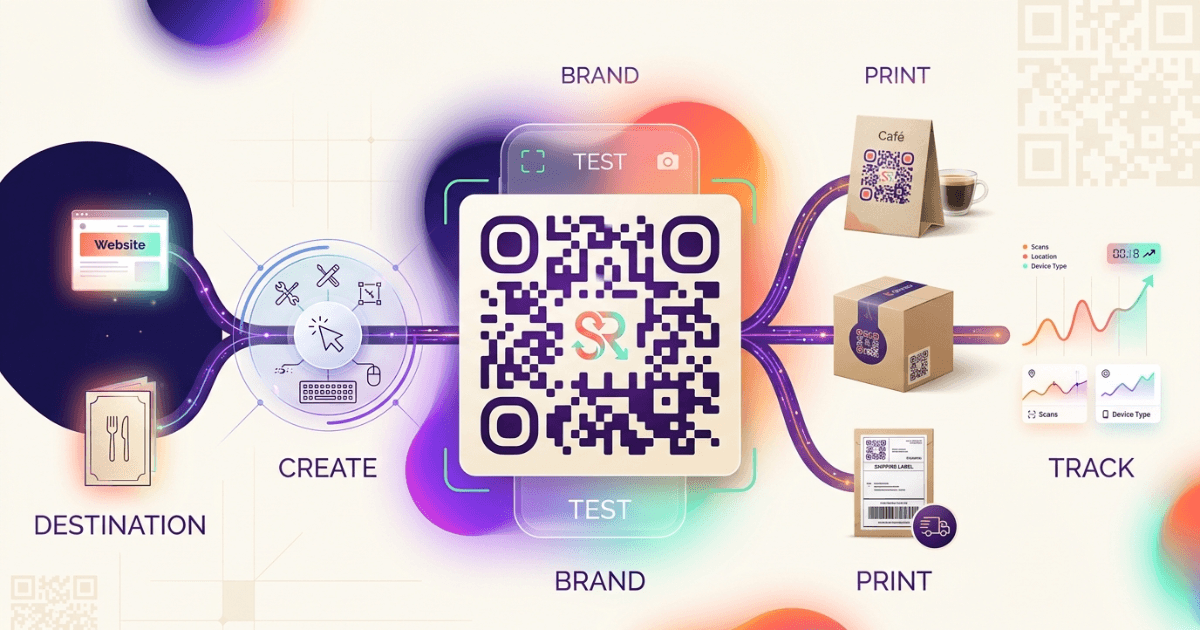
This is where the business value starts. A dynamic code gives you control after print, which matters for packaging, signage, and local campaigns. If you already use Shrno for branded links, the same logic applies to QR destinations: clean URLs, better control, and clearer reporting.
Designing branded QR codes that people trust
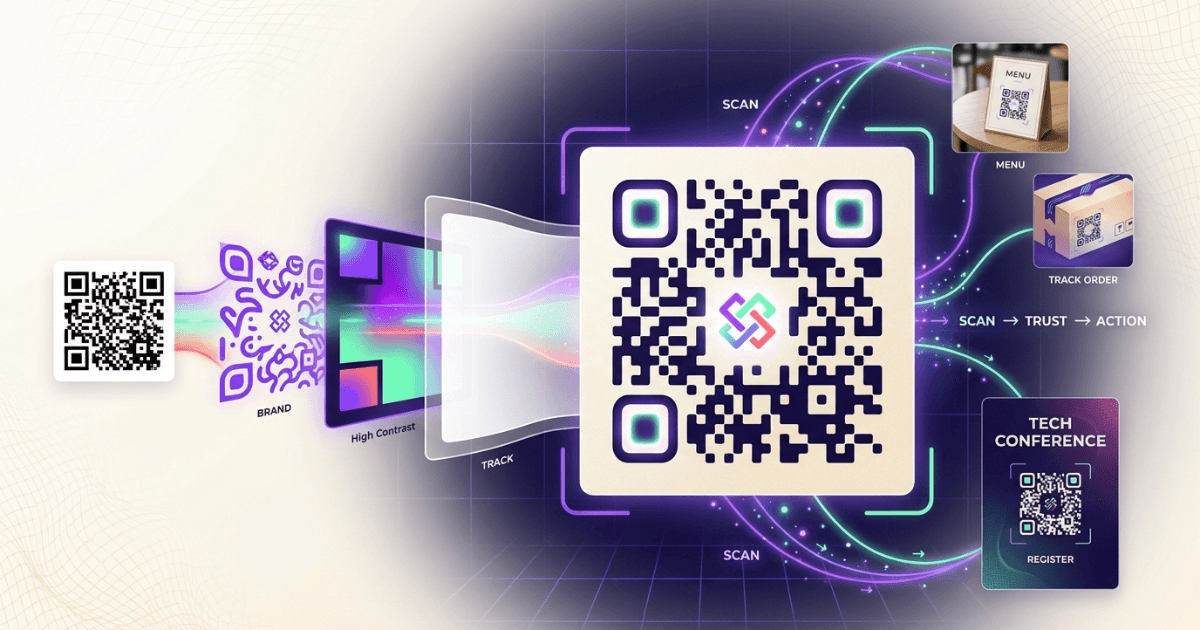
Good QR code design is not decoration for its own sake. It is about recognition, trust, and scan speed. Keep contrast high, leave a quiet zone around the code, and test the final image at the size it will appear in print.
Use your brand colors with care. A dark foreground on a light background works best. If you add a logo, keep it small and test the code with multiple phones. Too much styling can slow scans or break them completely.
The best branded QR codes also tell people what happens next. Add a short call to action near the code, such as “Scan to view menu” or “Scan for 10% off.” That small line often matters more than the color palette.
The best branded QR code is easy to scan, easy to trust, and easy to understand.— Design rule of thumb
Tracking and analytics: what should you measure?
Tracking turns QR codes from a print asset into a measurable channel. At minimum, measure scans, unique scanners, device type, time, location, and the conversion that follows the scan.
For campaign planning, also look at scan rate by placement. A poster near a checkout counter behaves differently from a QR code on packaging or a table tent. That context helps you decide where to spend next month’s budget.
If you want a practical internal workflow, our guides on click analytics with Shrno and how URL shortening works show the same measurement mindset that applies to QR campaigns. Track the path, not just the click.
Google Analytics can capture the post-scan session, while your QR platform should capture the scan event itself. That split gives you a fuller view of intent and conversion. For campaign tagging, follow the standard UTM approach documented by Google in Google Analytics campaign URL builders.
Common QR code applications by industry
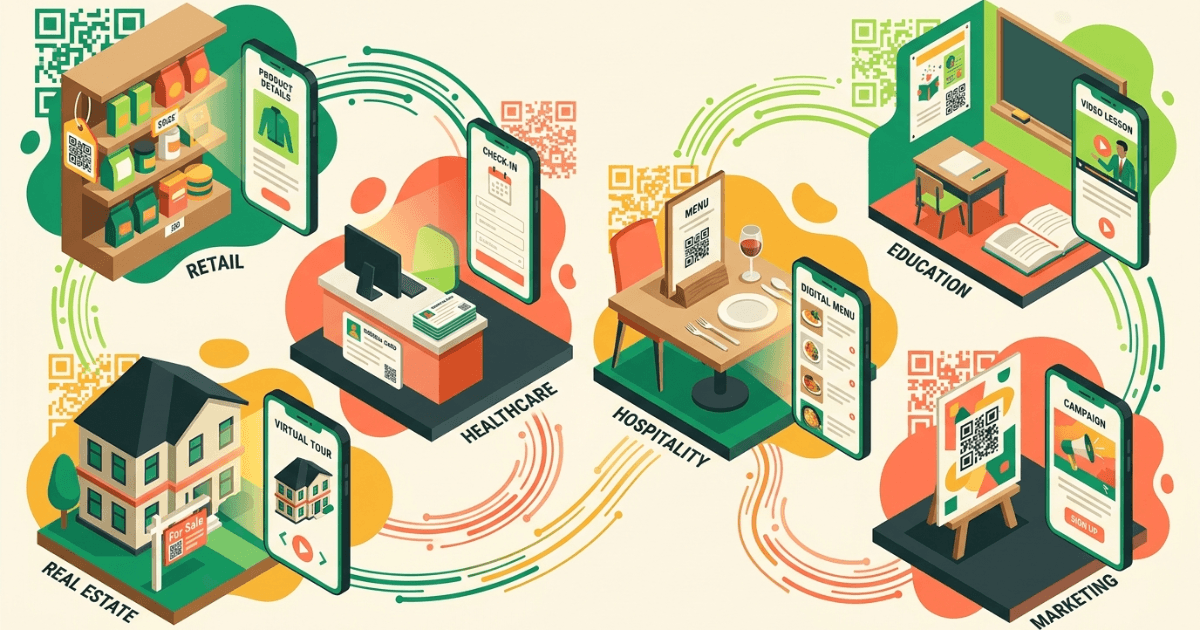
Restaurants use QR codes for menus, ordering, reviews, and loyalty programs. E-commerce teams use them on packaging, inserts, and returns slips to drive repeat purchases. Creators use them on merch, event booths, and social media cards to move offline fans to a profile or store.
Marketing agencies often use QR codes in flyers, direct mail, and event signage. The code closes the loop between offline reach and online conversion. That is why QR codes are still useful in a world full of ads, feeds, and short attention spans.
If you are building a brand system around this channel, it helps to pair QR codes with Commenda for customer-facing workflows and with branded links for cleaner post-scan destinations.
Future trends in QR code technology
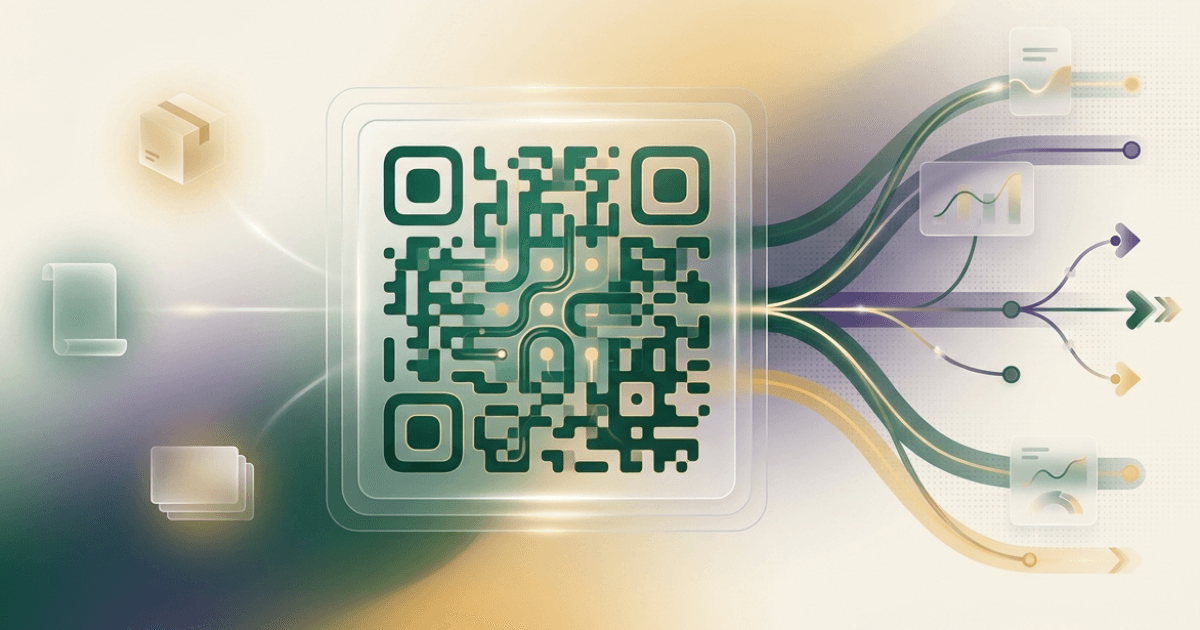
The next wave is less about the code itself and more about what sits behind it. Expect more dynamic routing, better analytics, deeper CRM integration, and tighter links between offline media and mobile journeys.
You will also see more QR codes used for verification, payments, and identity workflows. Standards work around digital product information and machine-readable labels is also pushing the format into packaging and compliance use cases.
For marketers, the future is practical. QR codes will keep winning when they remove friction, support measurement, and stay easy to scan on any phone.
FAQ
Frequently Asked Questions