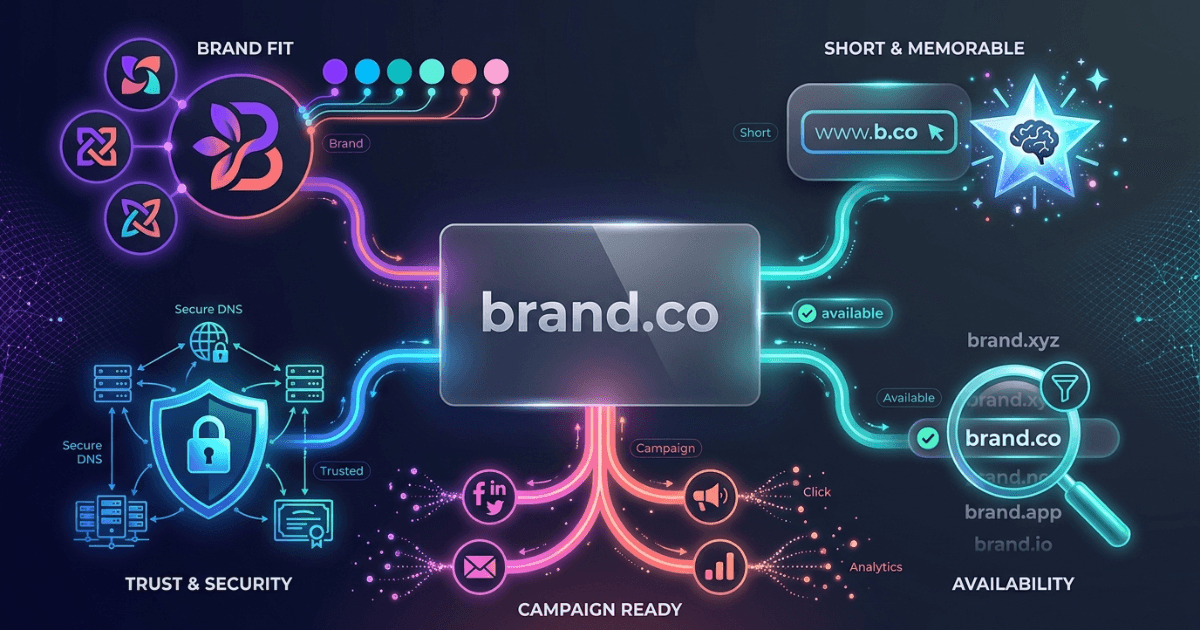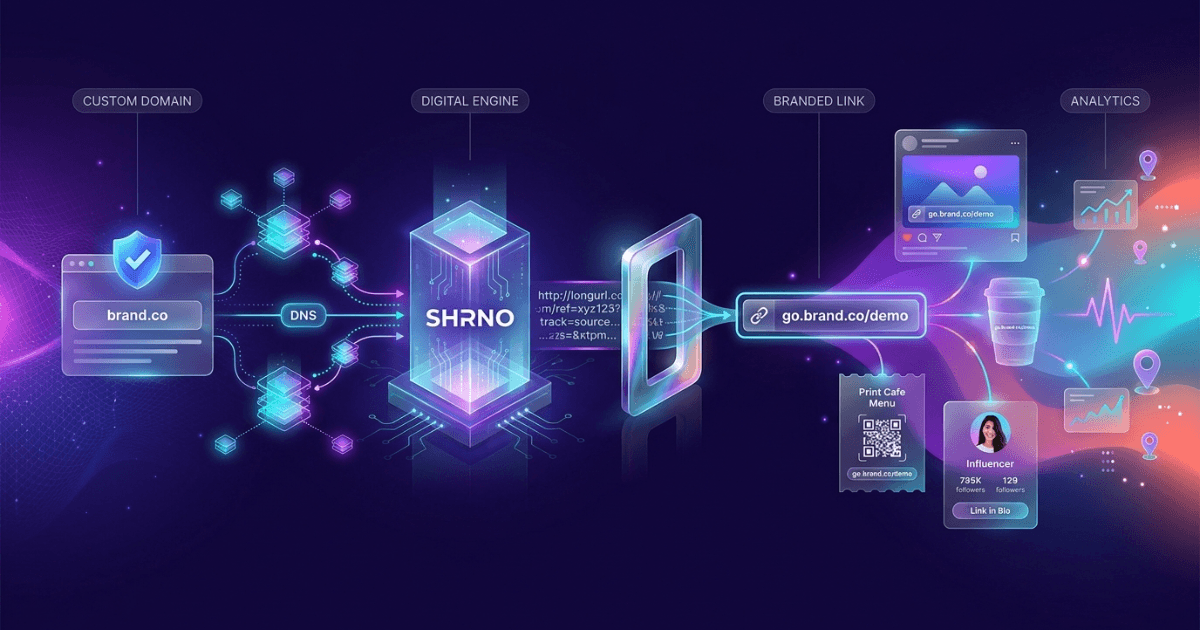
Branded links and custom domains help your links look trusted, trackable, and on-brand. For agencies and influencers, they also make campaigns easier to manage across many channels.
This guide explains what they are, why they matter, and how to set them up well. It also shows how to keep slugs clean, scale your setup, and launch faster with Shrno.
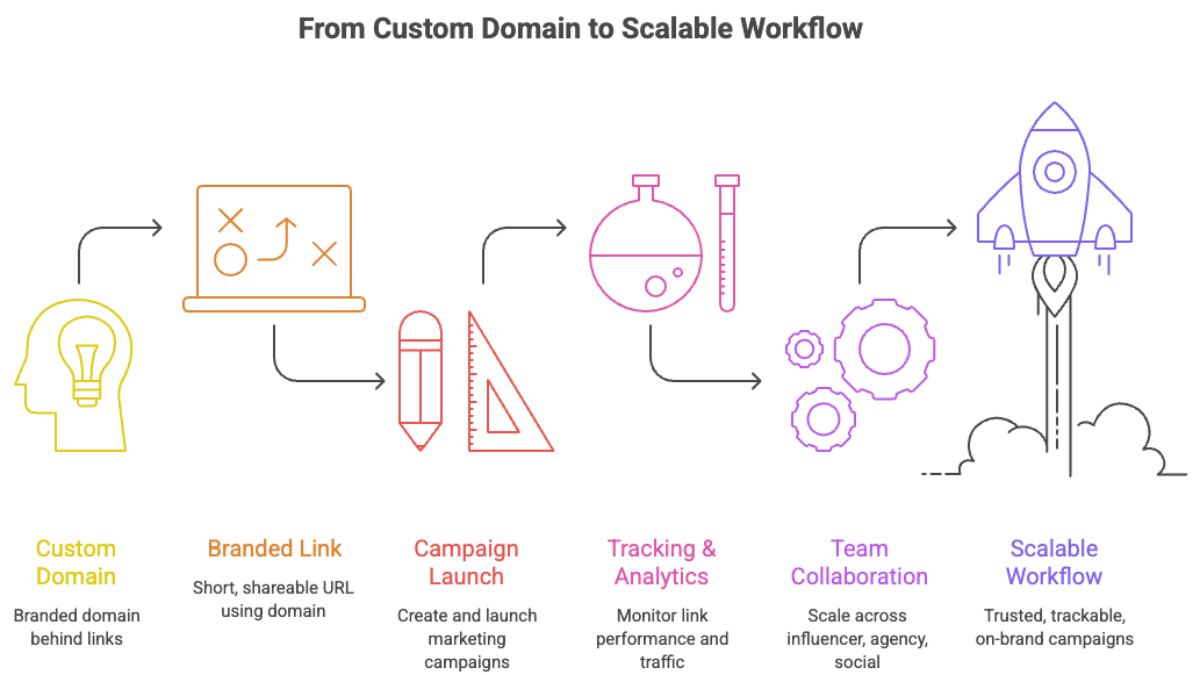
What Are Branded Links and Custom Domains?
A branded link is a short URL that uses your own name, not a generic shortener. A custom domain is the domain you register for those links, like a campaign or brand domain.
Instead of a random path, you get links that are easier to read and share. The setup is common in link shorteners and QR tools, including platforms that support branded domains.
Why Branded Links Help Marketing Teams
The biggest gain is trust. People are more likely to click a link that looks like your brand than one that looks random.
They also help with clarity. A neat link is easier to place in bios, ads, printed materials, and email. That matters for creators who want fast recognition and for agencies that need consistent client work.
- Better click trust in social posts and ads
- Cleaner reporting across campaigns
- Faster sharing in speech, print, and video
- More control over brand presentation
- Simpler reuse of link patterns across teams
For broader context on short links and campaign use, see When and Why to Use Shortened URLs in Modern Marketing and Mastering URL Shorteners: Benefits, Tools, and Best Practices.
How to Register a Custom Domain for Branded Links
Start with a short domain that is easy to say aloud. Keep it close to your brand, but avoid names that are too long or hard to spell.
Then buy the domain from a registrar and connect it to your link platform. Most tools ask you to point DNS records to their service, then verify ownership before you can publish links.
If you want a deeper technical view, the DNS basics in the Cloudflare DNS guide are a good starting point. For the domain setup flow, the Google Domains help docs explain the same core steps clearly.
One practical tip: register the domain before a major launch. That gives you time to test redirects, SSL, and tracking before traffic arrives.
Structuring Clean Slugs for Maximum Impact
A slug is the part after the domain. Keep it short, specific, and easy to scan.
Good slugs usually use one purpose per link. For example, use /spring-sale, /podcast, or /event-rsvp instead of long strings with many words.
- Use lowercase letters only
- Use hyphens between words
- Keep one main idea per slug
- Avoid dates unless they matter
- Avoid filler words like "the" or "and"
Short, readable slugs make links easier to trust, type, and reuse across channels.— Rule of thumb for branded links and custom domains
Scaling Branded Links Across Your Organization
Scaling works best when you treat links like a shared system, not one-off assets. That means naming rules, permissions, and a simple workflow for new campaigns.
A good setup lets teams create links without breaking brand rules. It also helps you report on performance by client, channel, or campaign.
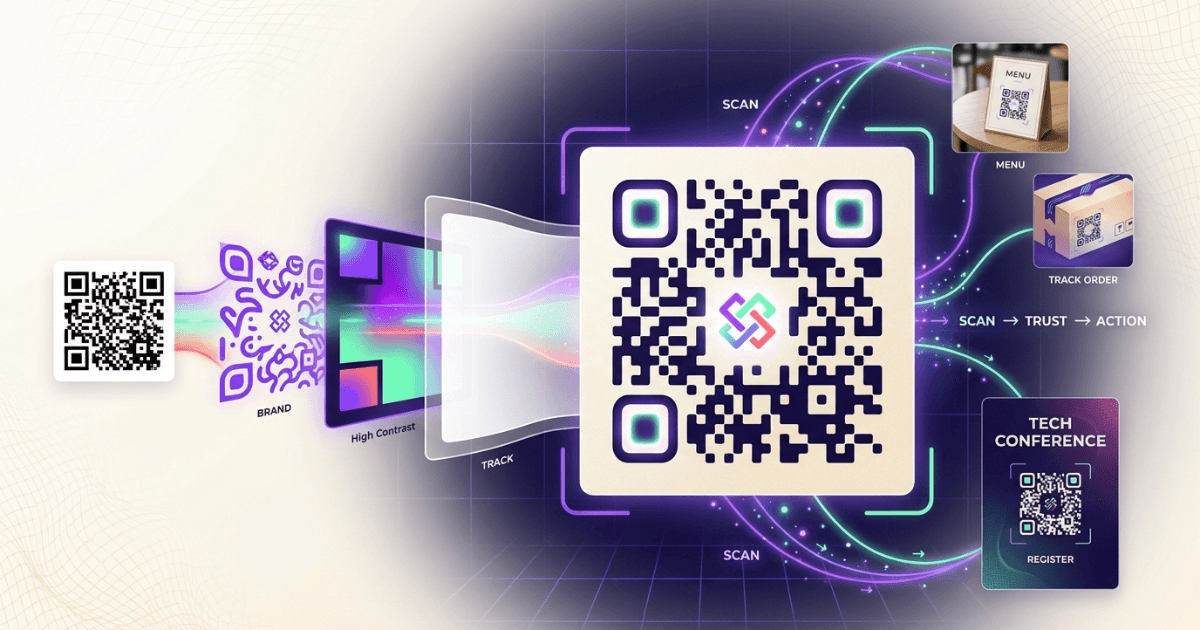
If your team also uses QR codes, the same discipline applies. Pair this post with The Ultimate Guide to QR Codes: From Basics to Branded Solutions and Tracking Every Scan: QR Code Tracking and Analytics for Measurable Success.
For measurement, connect link data to your analytics stack. Shrno’s click analytics coverage in Understanding Click Analytics with Shrno is a useful next read if you want cleaner reporting.
Case Studies: Successful Branded Link Implementations
A fashion creator running weekly drops can use one branded domain for every launch. That keeps links recognizable in Stories, email, and bio pages.
A marketing agency can do the same for clients. One client might use links for event signups, another for lead magnets, and another for podcast promos. The domain stays consistent, while the slugs change by campaign.
In both cases, the main win is not only branding. It is also faster production, better reporting, and fewer broken naming choices across teams.
Getting Started with Branded Links on Shrno
If you want a simple start, pick one custom domain and one campaign. Set up the domain, create a few clean slugs, and use them in a live channel where clicks matter.
Then review the data after launch. Check which sources drive clicks, which slugs get used, and where the brand name helps most.
If you are new to the workflow, Creating Your First Shortened URL with Shrno is a practical companion. You can also compare the broader tool landscape in Comparing URL Shortening Tools: Shrno vs Competitors.
Frequently Asked Questions