What Are Branded Links Shrno and Why Should Engineers Care?
Branded links Shrno are shortened URLs that use your own domain instead of a generic shortener domain. They look cleaner, build trust, and give your team more control over how links behave and how clicks are tracked.
If you build developer products, internal tools, or AI platforms, your links are part of your interface. A branded short link that matches your domain is a small but powerful signal of reliability and polish.
In this post, I will walk through what branded links are, why they matter for engineering teams, how to create them with Shrno, and common mistakes to avoid, based on real experience shipping link-heavy AI applications and documentation.
What Are Branded Links and Why Use Them?
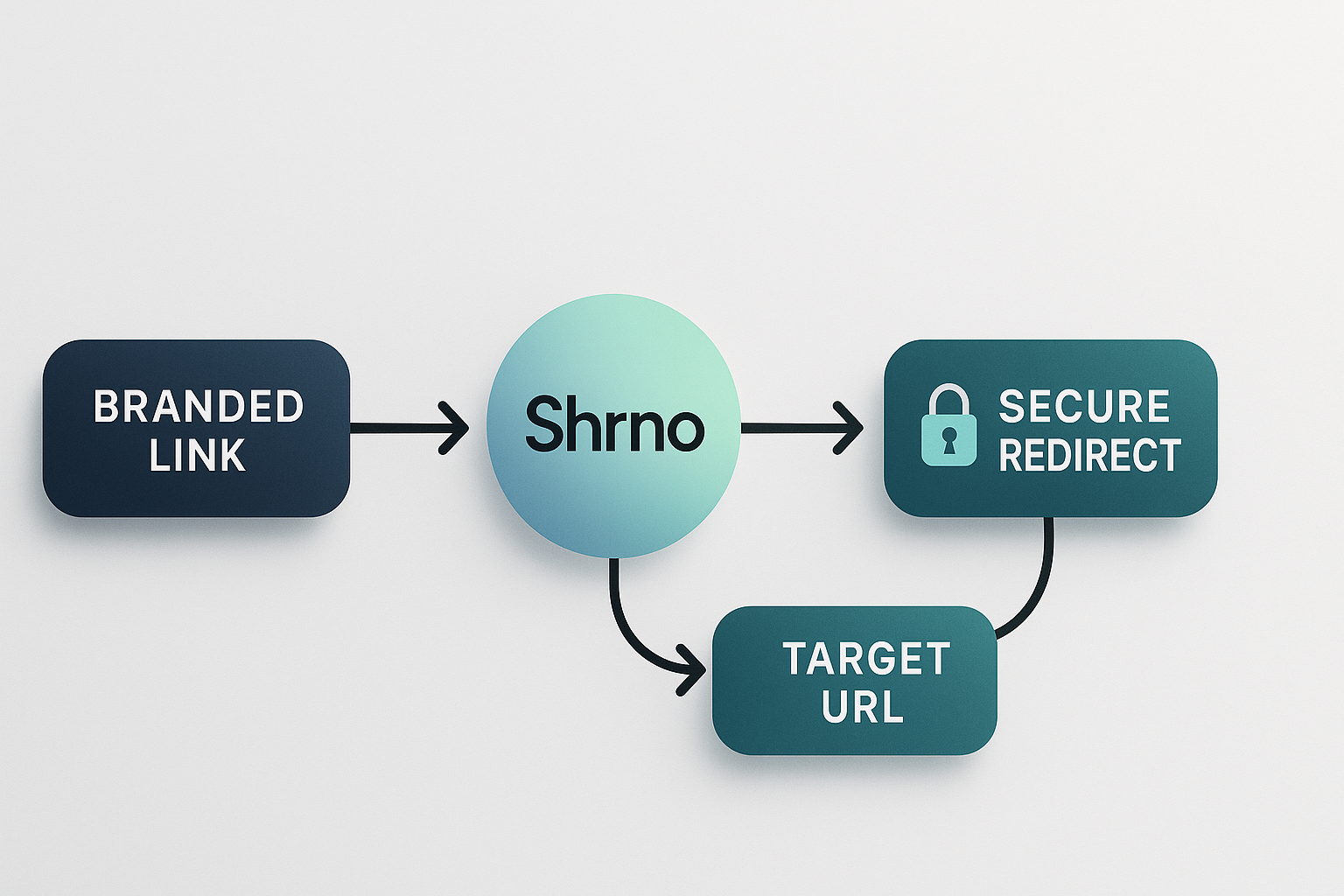
A branded link is a shortened URL that uses a custom domain and often a readable path, such as go.example.com/docs instead of a long, opaque query string. A service like Shrno lets you map that short branded link to a long target URL while keeping click tracking, routing, and security in one place.
Most engineering teams start with generic shorteners like bit.ly or tinyurl. This works for quick tests, but the link does not reflect your brand. For public APIs, SDK docs, or AI product onboarding, generic links feel like something added at the last minute. Branded links Shrno are a way to make link management part of your system design.
Branded links also align with best practice from marketing and analytics tooling. Services like Bitly report that branded short links can increase click-through rates by up to 34 percent compared with generic short domains, according to their own case studies on bitly.com. That uplift is not magic. Users are more willing to click links that look familiar and trustworthy.
Benefits of Branded Links for Engineering-Led Businesses
For engineering teams, the value of branded links Shrno breaks into a few clear themes: trust, observability, and control.
- Trust and click-through: A link on your own domain feels safer, especially in email and chat, which are common channels for phishing. According to a 2024 report from Cisco Talos on phishing trends, users increasingly look at domains as their first trust signal, so links that match your site are more likely to be clicked.
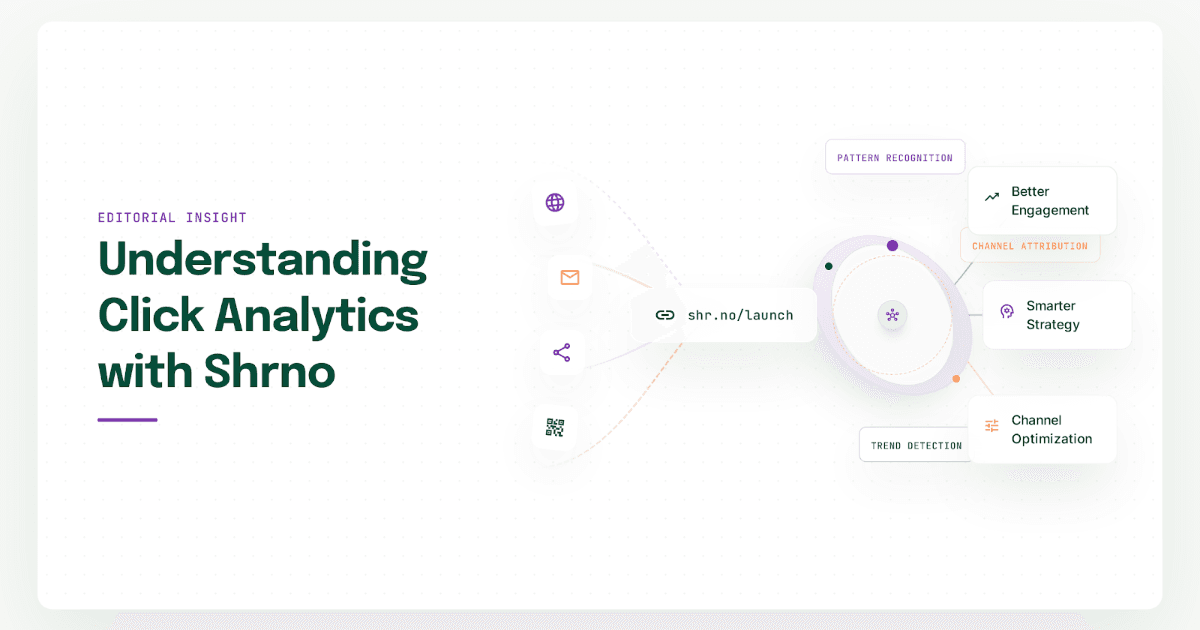
- Better analytics: Branded links act as stable identifiers, so you can track clicks across campaigns without exposing internal route structure. Tools like Google Analytics 4, documented on developers.google.com, integrate well with short redirect URLs, and a platform like Shrno can log extra context at the redirect edge.
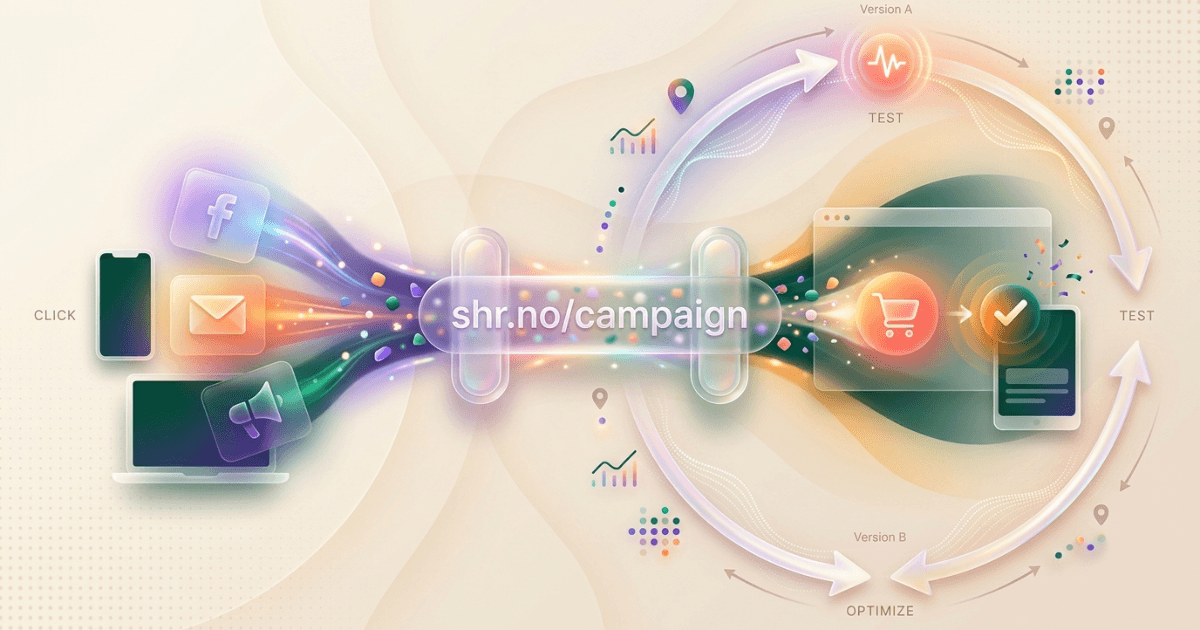
- Routing and feature flags: You can point the same branded link at different targets over time. This enables gradual rollouts and A/B tests without editing many places in code or content.
- Security and compliance: Keeping redirects on your own domain lets your security team audit and control how links behave. You can enforce HTTPS, set HSTS headers, and apply CSP rules, which is harder with third-party free shorteners.
In my work as a Senior AI Engineer, I see branded links used heavily in AI agent systems, where agents send links back to users. If those links point to your own domain, they can pass through extra checks before a user sees them, which matters for AI security and content safety.
Search engines also handle redirects from trustworthy domains better than from opaque shorteners. Google’s documentation on link schemes notes that shorteners are fine when used normally, but excessive generic shortening can look like an attempt to hide real targets. Using a consistent branded domain for redirects keeps your link strategy simple and clear to crawlers, which matters for large docs sites and API references.
How to Create Branded Links with Shrno
Shrno is Nidavellirs’ URL shortening and link management product. It is built to support branded links for teams that care about engineering quality and observability. If you are new to Shrno, start with the post Creating Your First Shortened URL with Shrno, which covers the basic flow.
From there, the process to set up branded links Shrno is simple and can fit into a standard DevOps workflow.
- Pick a short domain: Choose a domain that reflects your brand and is easy to type, such as go.yourcompany.com or link.yourproduct.dev. Many teams use a subdomain of the main site to keep TLS and DNS simple.
- Configure DNS and TLS: Point the domain or subdomain to Shrno’s front end, usually via a CNAME record. Make sure you enable HTTPS. Modern guidance from the TLS 1.3 RFC and OWASP’s secure design principles both treat TLS and redirect hygiene as basic requirements.
- Define link patterns: Decide how you will structure paths. For example, /docs, /api, /onboarding, or campaign codes like /2026-q3. This makes links readable and easier to manage.
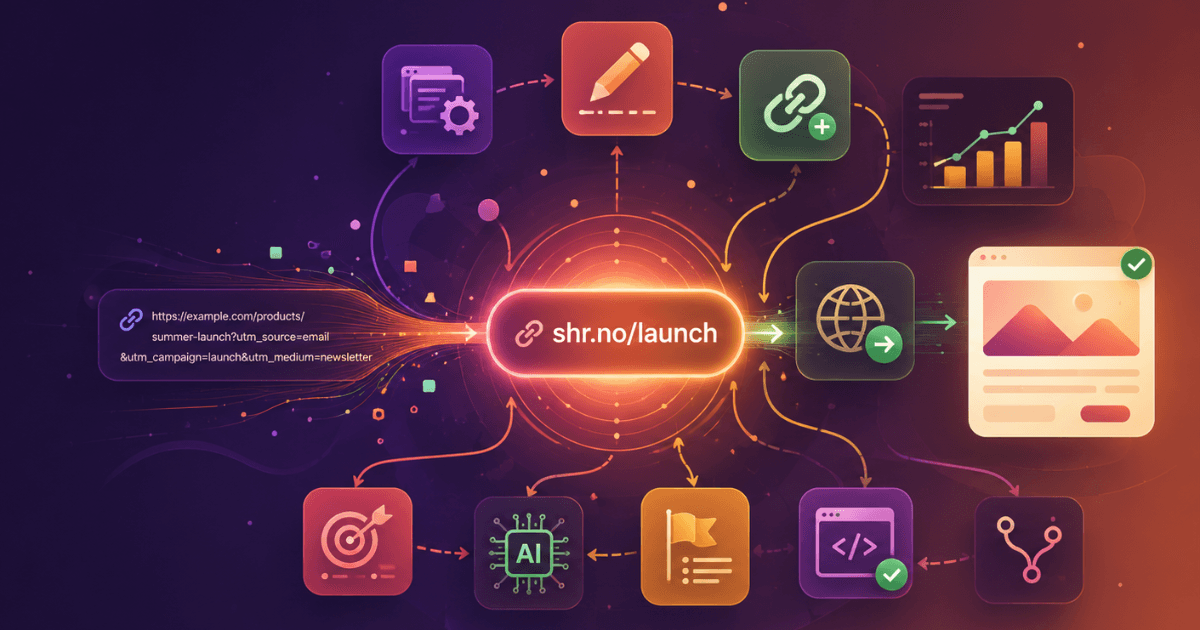
- Create links in Shrno: Use the Shrno UI or API to create branded links that point to your long targets. The article Mastering URL Shorteners: Benefits, Tools, and Best Practices offers practical tips on path naming and tag usage.
- Wire links into content and code: Update your docs, emails, app copy, and AI prompts to use branded links. For AI agents and RAG systems, treat branded links as part of your prompt and output design, so agents never send raw long URLs.
If your stack already uses Spring Boot or Spring AI, you can wrap Shrno’s API in a simple service. For instance, a Spring WebClient call that generates a branded link for each new campaign or experiment, and stores the ID in your configuration store. This lets you manage links like any other resource, with version control and review.
You should also read How URL Shortening Works: A Technical Breakdown for Marketing Teams to align with the underlying redirect model. Understanding how Shrno issues HTTP 301 and 302 responses helps you choose the right status codes for permanent or temporary redirects, which affects caching and search engine behavior.
Case Studies: Effective Use of Branded Links Shrno
To make this concrete, here are scenarios based on patterns I see in engineering teams that adopt branded links Shrno, along with supporting data from broader industry practice.
An AI product team adds branded links for release notes and incident reports sent by their AI agents. Instead of pasting full URLs, agents send go.product.dev/incident or go.product.dev/release-notes. The team measures click-through before and after. In line with results reported by Bitly and others, they see higher engagement, because links look intentional rather than auto-generated.
A documentation team uses branded links for all external resources in PDF exports and slide decks. Since PDFs often break long URLs, short branded links keep references usable. They also act as durable identifiers, because the team can change the target in Shrno when a page moves, without republishing all documents.
A platform team running microservices aligns every user-facing redirect behind a Shrno-based branded link. This creates a single audit point for redirects, which they feed into their logging stack. Modern observability tools like OpenTelemetry, documented at opentelemetry.io, make it easy to add trace data around redirect requests, so they can see which campaigns or features drive real traffic.
Finally, a marketing engineering team runs A/B tests on documentation landing pages. Instead of changing URLs in email templates for each test, they keep one branded link and point it to variant A or B through Shrno. This keeps email content static and reduces risk of errors. It also enables clean comparison of results, similar to the approach described in an A/B testing guide on vwo.com.
Common Mistakes to Avoid with Branded Links
Branded links Shrno are simple in concept, but there are recurring mistakes that engineers can avoid with a bit of planning.
- Using generic, opaque paths: A path like /x7Pq9 looks like a random token. Prefer paths that hint at the target, such as /docs or /changelog. It makes links easier to debug and easier for users to trust.
- Mixing many shortener domains: If you use three different shorteners plus raw links, users cannot build a mental model of what is safe. Pick one branded domain and stick with it.
- Treating link creation as ad hoc: When anyone on the team can create links without standards, you get drift and broken links. Instead, define who owns link patterns, tagging, and lifecycle, and enforce that through Shrno roles and processes.
- Ignoring security headers: A redirect service is still part of your attack surface. Make sure your branded link domain enforces HTTPS, HSTS, and strict TLS versions. Guidance from OWASP’s Secure Headers project on owasp.org is a good baseline.
- Not monitoring link health: Deprecated targets, removed pages, and changed routes can all leave branded links pointing at errors. Integrate Shrno with your monitoring stack so you can alert on spikes in 404s or 5xx responses.
For deeper guidance on keeping shortened URLs safe, see How to Keep Your Shortened URLs Safe: A Practical Guide for Engineers. It covers threat models and controls that apply directly to branded link domains.
You can also look at When and Why to Use Shortened URLs in Modern Marketing to align your engineering choices with your marketing team’s strategy. Shared understanding makes it easier to standardize on branded links Shrno across teams.
How Branded Links Fit Into Modern AI and Engineering Systems
As AI systems and agents become more common, links move from static content into dynamic interactions. An AI agent that sends a user a link is part of your product surface. When that link uses a branded domain, you keep control over how traffic flows and how incidents are handled.
In retrieval-augmented generation, for example, responses often cite URLs. If those URLs are messy, long, or point to third-party shorteners, users may hesitate. If they are clean branded links on your own domain, they align with the rest of your product. This is a simple change that improves trust while keeping your observability and security story intact.
Shrno sits in a useful place here. It gives your engineering team a single tool for managing branded links, tracking clicks, and enforcing safe redirects, while leaving room to add your own logic or AI-specific checks at the edge.
Frequently Asked Questions