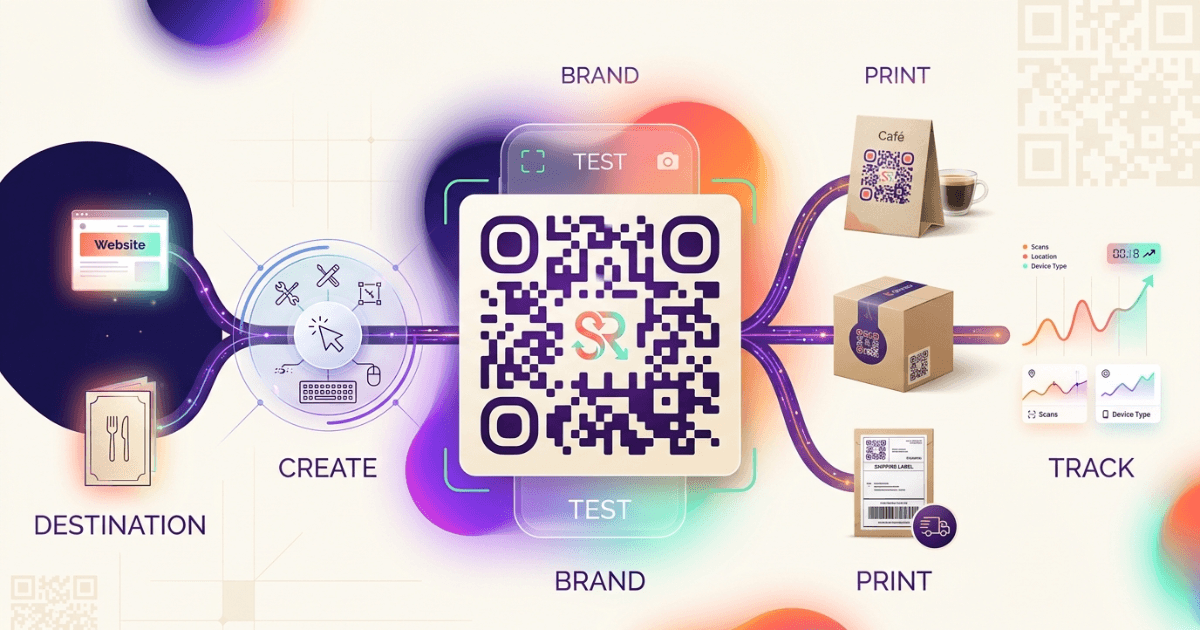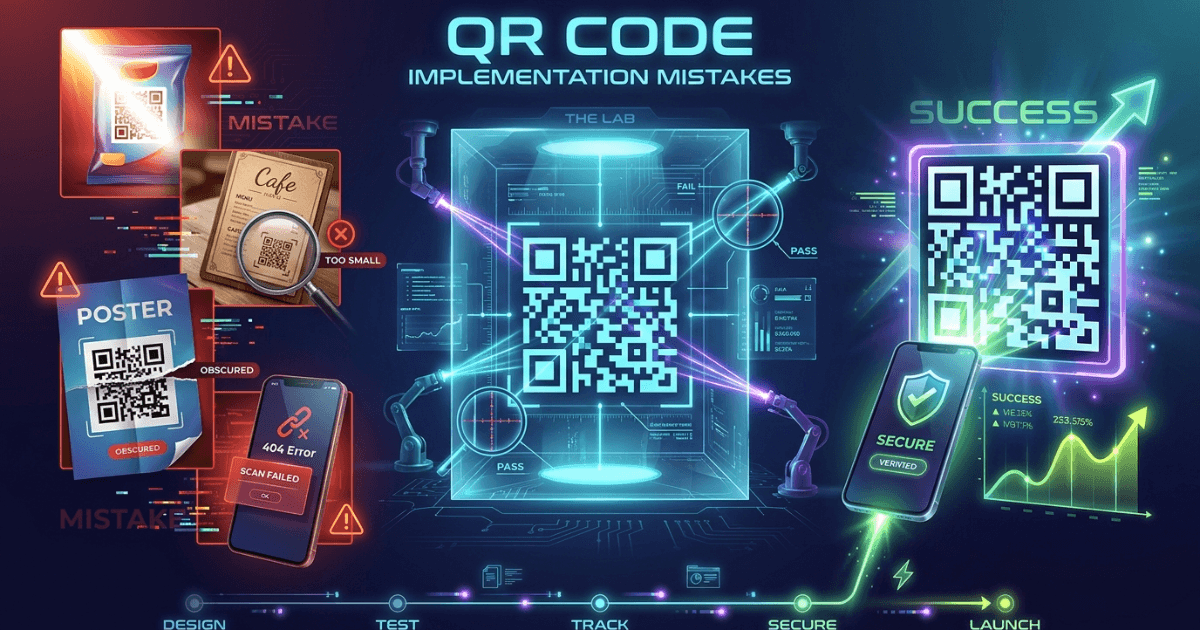
QR code implementation mistakes can quietly break campaigns before anyone notices. The code may print fine, but if people cannot scan it fast, the campaign fails in the field.
For agencies, cafes, restaurants, logistics teams, and creators, QR codes now sit on menus, posters, parcels, and packaging. The details matter. A small design error can cut scans, while a weak update process can send users to the wrong page.
Poor Design Choices That Affect Scanability
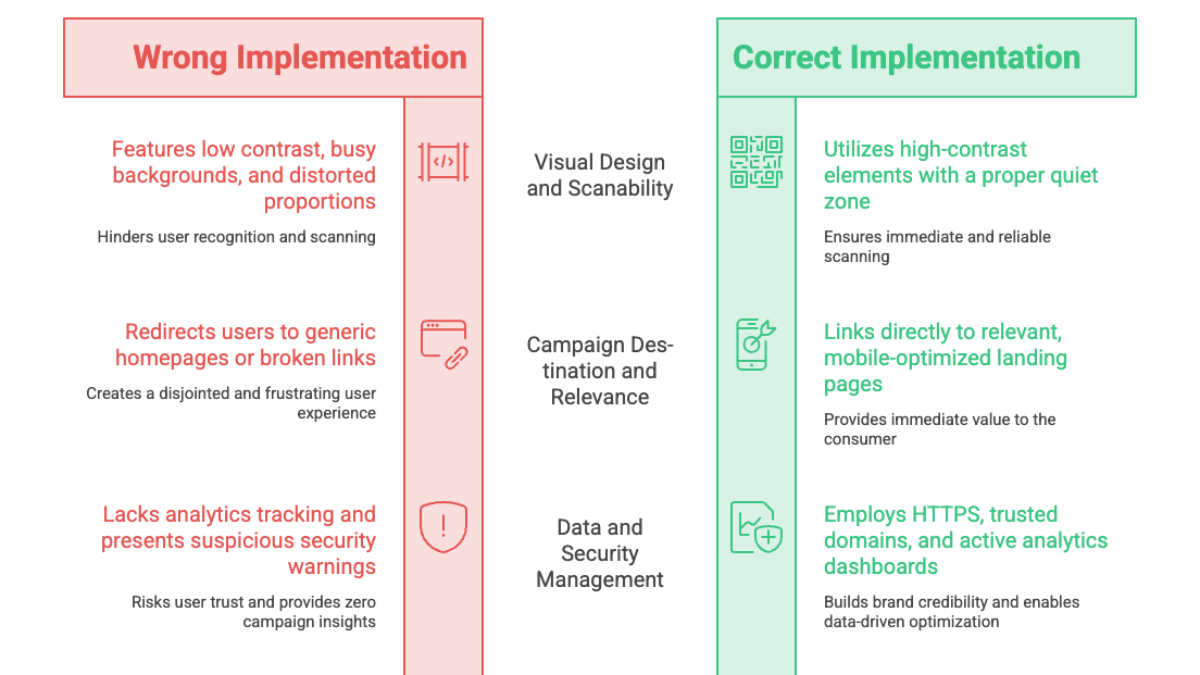
The most common QR code implementation mistakes start with design. A code needs enough contrast, clear quiet space, and a size that fits the viewing distance. The official QR Code Model 2 standard from DENSO Wave explains the structure behind readable codes, and that structure depends on clean visual separation official QR Code model details.
Do not place a dark code on a busy background. Do not stretch it. Do not reduce the quiet zone. These choices make scans slower, especially on glossy menus, window posters, and package labels.
- Keep strong contrast between the code and the background.
- Use the correct size for the scanning distance.
- Leave space around the code.
- Avoid placing the code over photos, patterns, or folds.
- Test any logo or color change on real paper, not only on screen.
If you want a deeper baseline, The Ultimate Guide to QR Codes: From Basics to Branded Solutions explains the core choices that shape reliable scans. For teams choosing between live links and fixed destinations, Static vs Dynamic QR Codes: Which Should You Choose? is a useful companion piece.
Overlooking the Importance of Testing
Testing is the fastest way to catch QR code implementation mistakes before launch. A code that scans on one phone may fail on another. A code that works in daylight may fail under dim cafe lighting.
Test with iPhone and Android devices. Test with the default camera app. Test from the expected distance. If the code goes on a table tent, test it from a seated position. If it goes on a van, test it from several meters away.
Google’s ML Kit barcode scanning docs are a good reminder that scanning depends on image quality, framing, and the device pipeline. In practice, that means your print file, lighting, and placement all affect the result.
For logistics teams, this matters on damaged labels and curved parcels. For restaurants, it matters on laminated menus and table stands. For influencers, it matters when a code sits on merch, story cards, or event signage.
Ignoring Analytics and Feedback
A QR code should not be a blind asset. If you do not track scans, you cannot tell whether the code is working, where it is working, or when it stops working.
That is why QR code implementation mistakes often include no analytics plan. You need scan counts, time patterns, and campaign labels. The Tracking Every Scan: QR Code Tracking and Analytics for Measurable Success guide shows how scan data supports better decisions over time.
A simple feedback loop helps a lot. Ask frontline staff if guests scan the code. Ask drivers if labels still scan after transit. Ask creators if followers understand what they get after scanning.
If you use a product like Shrno, make scan tracking part of the launch checklist. Then review the data after the first print run, not months later.
Failing to Integrate with Offline Marketing
A QR code works best when it fits the real setting. It should match the offer, the context, and the next action. A code on a restaurant receipt should not lead to a generic homepage. It should lead to a menu, review flow, or reorder page.
This is one of the most overlooked QR code implementation mistakes in offline marketing. Posters, menus, flyers, receipts, shelf talkers, and parcel inserts all carry different intent. The scan should complete the story, not restart it.
For example, a cafe can place one code on the counter for the menu and another on the receipt for loyalty sign-up. A logistics brand can place one code on outbound packages for delivery status and another on returns for self-service help.
If the destination changes often, pair the campaign with a dynamic link workflow. That keeps the printed asset useful without reprinting every time the offer changes.
Security and Privacy Concerns
QR codes can create trust issues when the destination looks risky or the data collection is unclear. Users may hesitate if the code opens a strange domain or requests more data than the context needs.
The U.S. NIST Cybersecurity Framework 2.0 emphasizes governance and risk management across digital systems NIST Cybersecurity Framework 2.0. For QR campaigns, that means you should know where the code sends users, who can edit it, and what data the landing page collects.
Use HTTPS. Keep destination domains consistent with the brand. Avoid redirect chains that look suspicious. If you collect email, phone, or location data, explain why before the form starts.
This is especially important for agencies running client campaigns and for restaurants collecting guest data. A trustworthy code is one that feels safe before the first tap.
Not Updating Dynamic QR Codes Properly
Dynamic codes are useful because they let you change the destination without changing the printed code. But that flexibility creates new QR code implementation mistakes if no one owns the update process.
A stale destination can waste a campaign. A broken redirect can send users to a 404 page. A missed seasonal update can make a promotion look careless. Treat dynamic QR codes like live production assets, not static artwork.
Set a review cadence. Check campaign links before each print run. Confirm that expired offers now point to a valid fallback page. Keep a log of who changed what and when. If you need a refresher on the trade-offs, revisit Static vs Dynamic QR Codes: Which Should You Choose?.
The most practical rule is simple: every printed QR code should have an owner. If no one owns it, it will drift.
A Practical Pre-Launch Checklist for QR Code Implementation Mistakes
Use this short checklist before you print or publish:
- Scan the code on at least two phone models.
- Check the code at the real viewing distance.
- Confirm the destination page loads fast on mobile.
- Verify tracking labels and campaign tags.
- Review privacy language on any form.
- Assign an owner for future updates.
faq
Frequently Asked Questions
If you are planning a new campaign, start with the QR code basics guide, then choose the right code type, design for real-world scanability, and track every deployment from day one.